Overview
Control Spotify playback from the Ulanzi D200.
Spotify Enhanced
PUBLIC RELEASE · ULANZI D200
Spotify Enhanced
Official installation, configuration and usage documentation for the current public release.
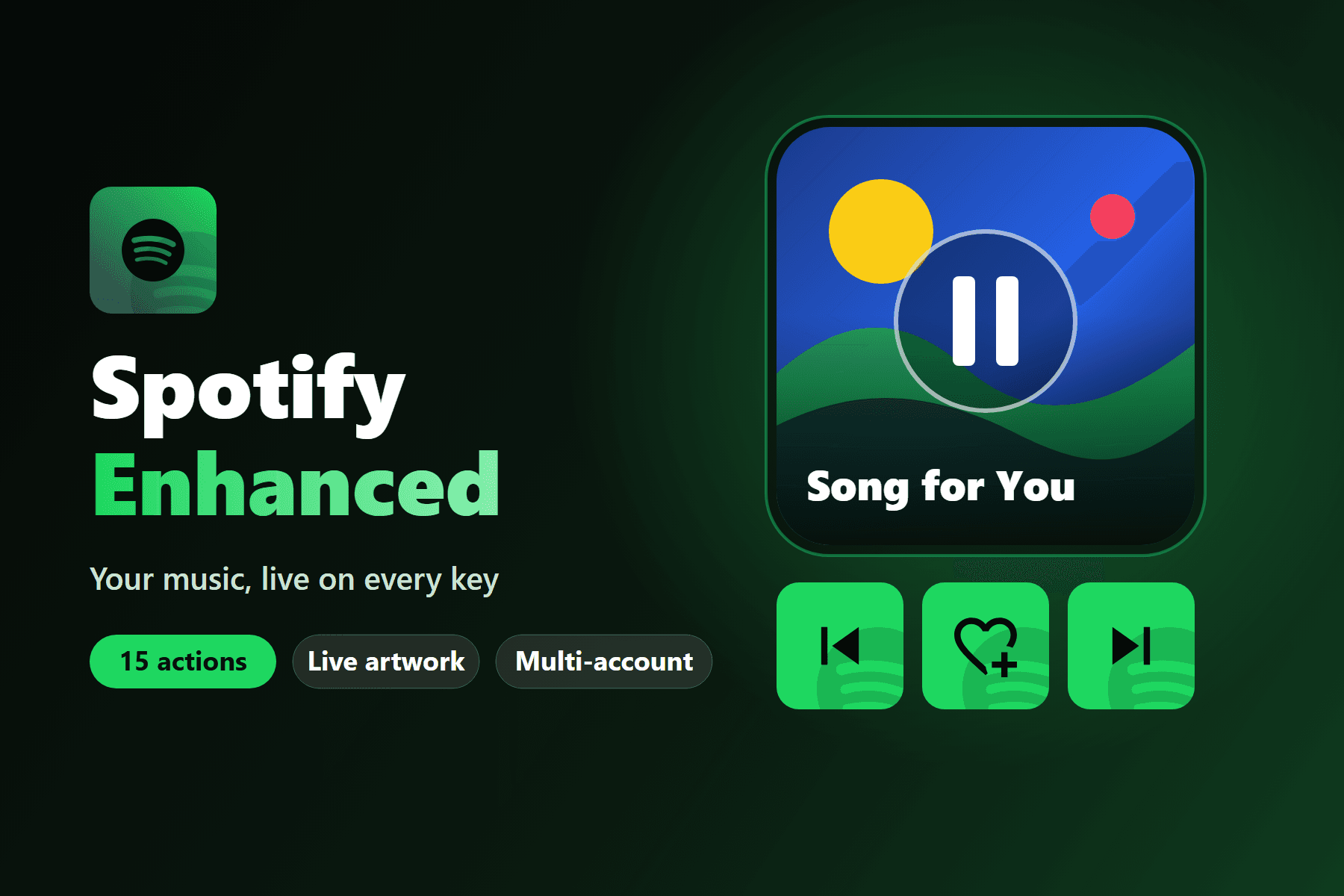 Asset published by the project
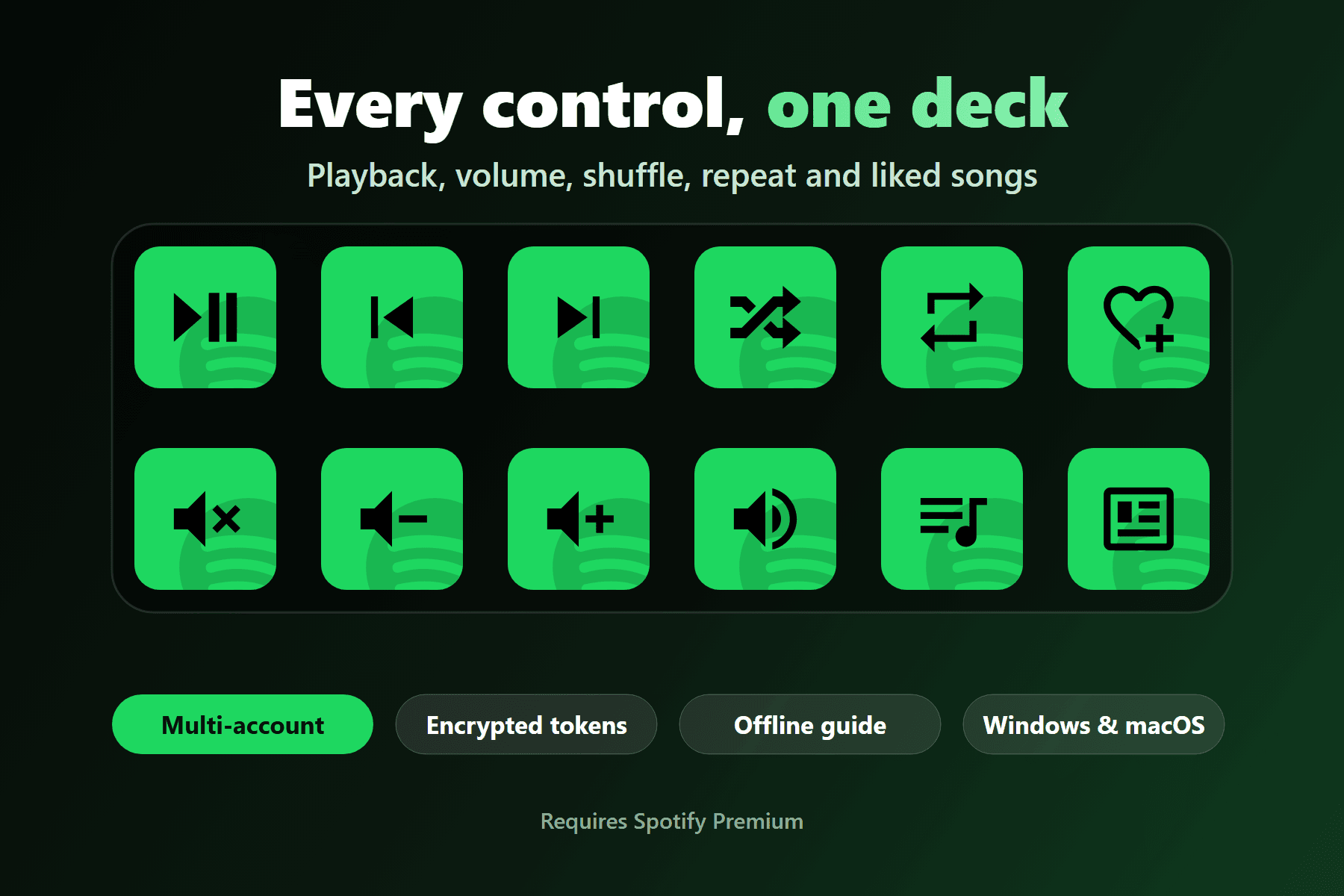
Spotify Enhanced turns the Ulanzi D200, D200H or D200X into a Spotify controller with 15 actions for playback, artwork, track text, playlists, volume and library controls. The settings panel includes a local setup guide and supports multiple accounts.
Highlights
| Feature | What it gives you |
|---|---|
| Now Playing render | Play/Pause shows the album artwork, a large pause overlay and the current song title instead of a static icon. |
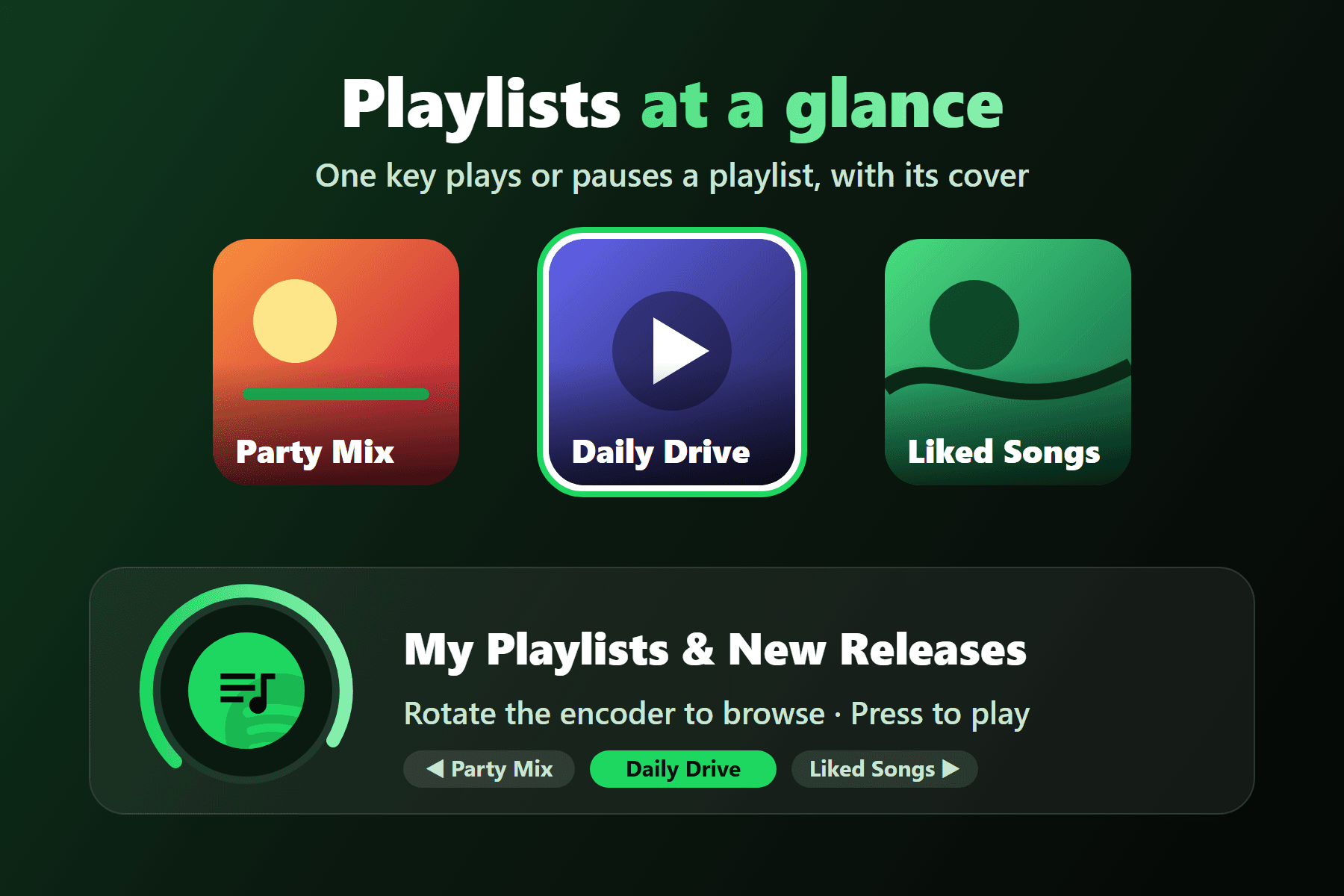
| Fixed playlist button | Pick a playlist once, then use one button to play or pause it, with the playlist artwork and state. |
| Playlist browser | Rotate an encoder through your playlists or new releases and press to play. |
| Encoder controls | Press for play/pause and rotate for previous/next; or press to mute and rotate to change volume. |
| Multi-account support | Connect more than one Spotify account and choose which one each action uses. |
| Local setup guide | The Spotify Developer app guide is bundled with the plugin and opens from the settings panel. |
| Safer local storage | Access tokens, refresh tokens and the Client Secret are encrypted locally with AES-256-GCM. |
Current version: 2.0.6
Official repository: buzs/ulanzi-spotify-enhanced
The public repository distributes the built package; the original source remains private and third-party components keep their own licenses. Spotify Enhanced is not affiliated with, endorsed by or sponsored by Spotify.
Spotify Premium required
The Spotify Web API only allows playback control for Premium accounts.
Continue with Installation, Configuration or Actions.