Overview
Control Discord Desktop from the Ulanzi D200.
Discord Enhanced
PUBLIC RELEASE · ULANZI D200
Discord Enhanced
Official installation, configuration and usage documentation for the current public release.
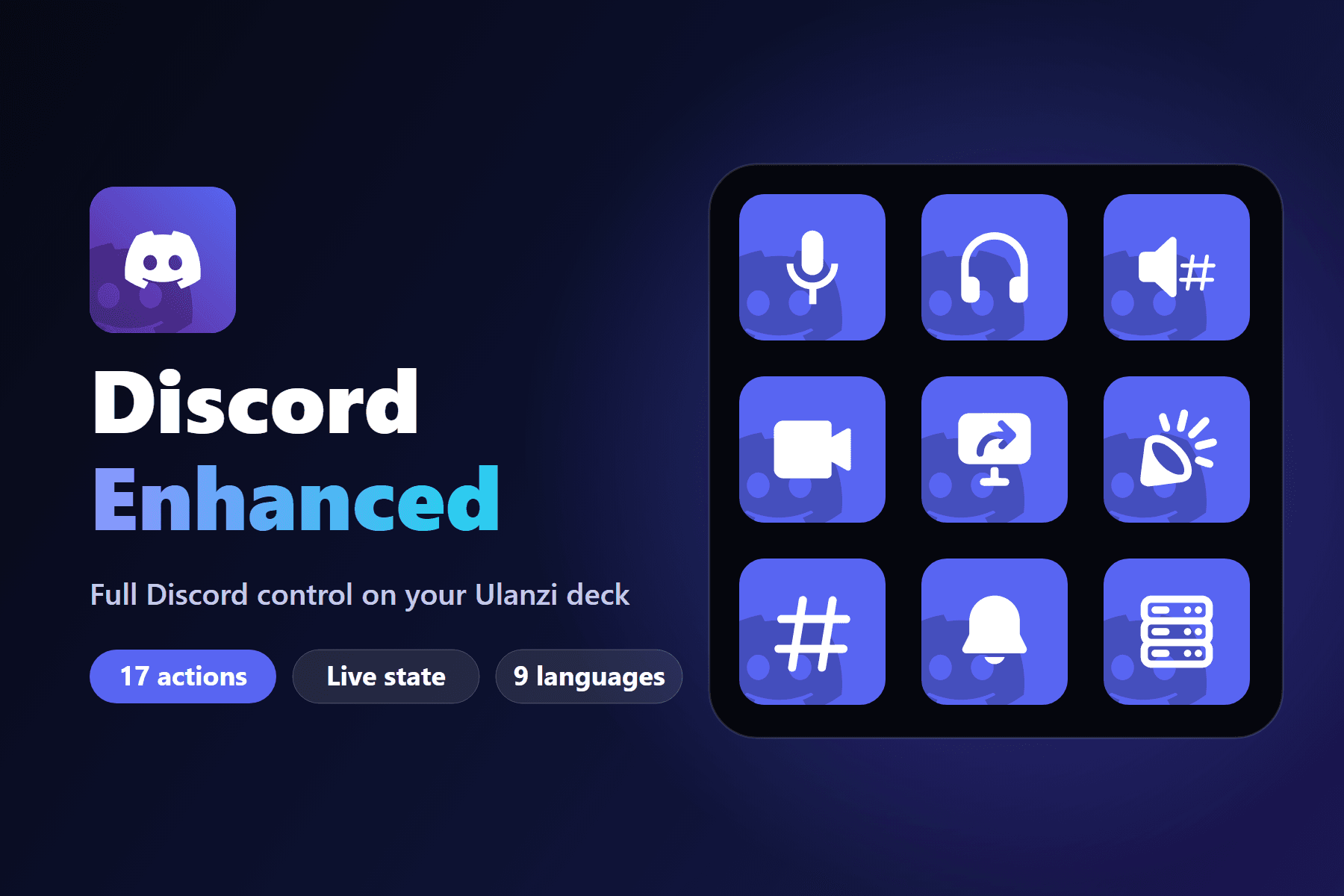 Asset published by the project
Discord Enhanced turns the Ulanzi D200, D200H or D200X into a compact Discord control surface. It communicates with Discord Desktop through local RPC and keeps credentials on the local computer.
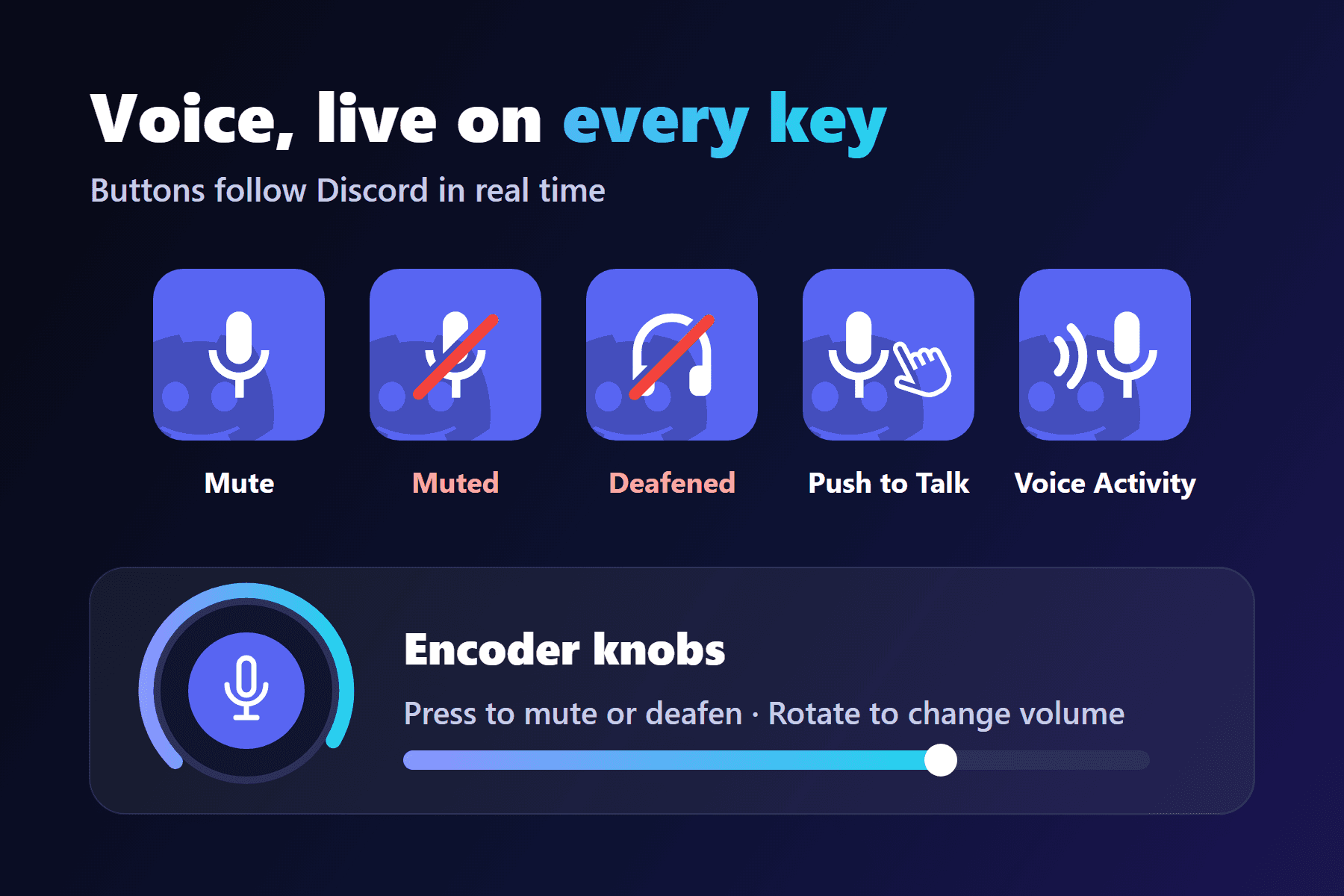
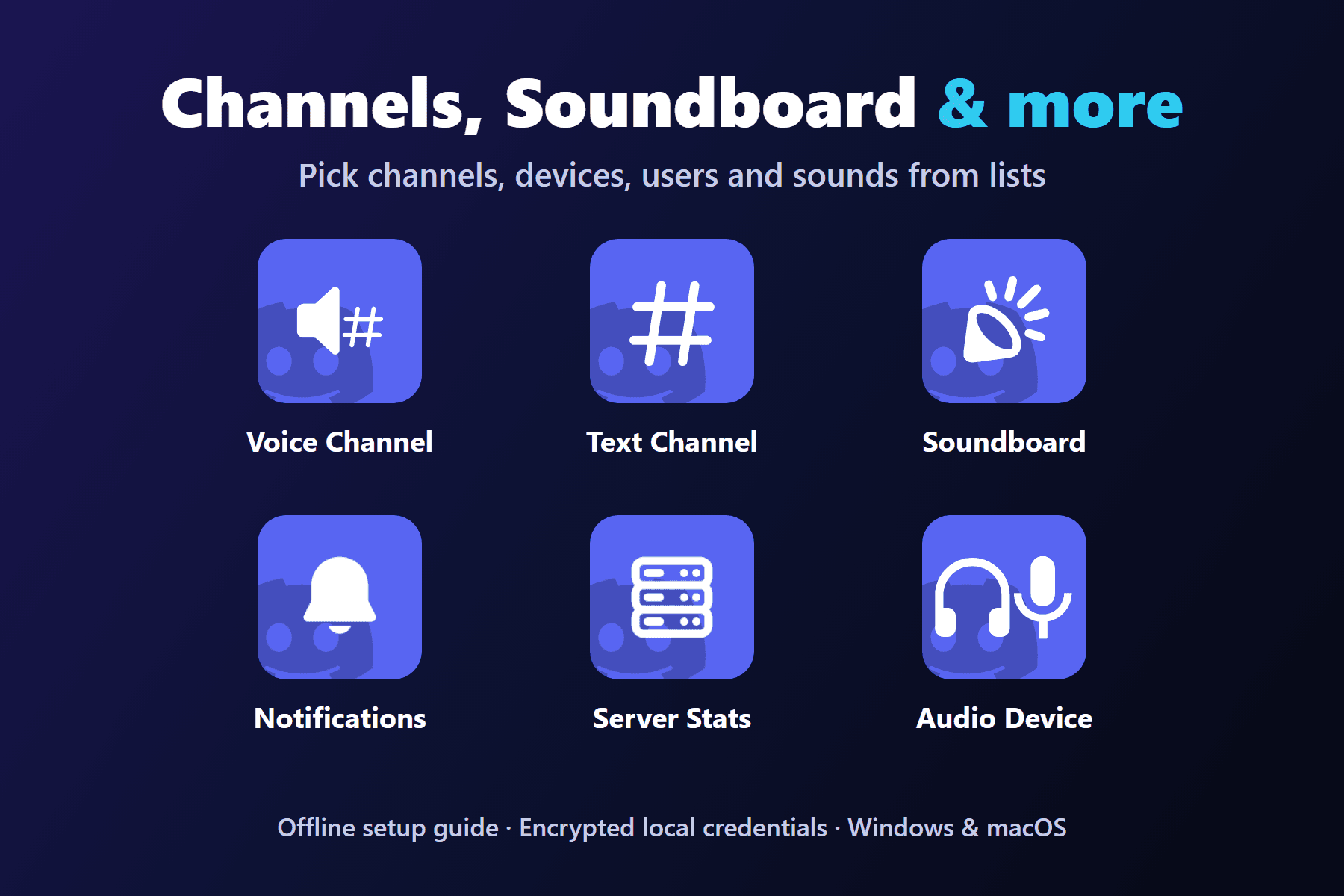
The public release covers voice state, channels, audio devices, per-user volume, notifications, Soundboard and server statistics through 17 actions. Buttons follow the Discord state in real time, and encoder actions let you press to mute or deafen and rotate to change volume.
Current version: 0.1.5
Official repository: buzs/ulanzi-discord-enhanced
The settings panel and the bundled offline setup guide are localized in English, German, Spanish, Japanese, Korean, Brazilian Portuguese, European Portuguese, Simplified Chinese and Traditional Chinese.
The public repository distributes the built package; the original source remains private and third-party components keep their own licenses.
Continue with Installation, Configuration or Actions.
Discord RPC access is restricted
Discord Enhanced is not affiliated with, endorsed by or sponsored by Discord Inc. An application may need approval or a tester entry before RPC access works. Camera and screen sharing depend on private Discord RPC commands and may vary by Discord client version.